Ready to make your screen feel like a warm, sunlit room? I open each season with one simple trick—swap in a fresh image that nudges the brain toward calm and coziness.
I look for amber and russet tones, soft textures, and a single crisp focal point. Those choices help reduce visual stress and keep your home screen legible.
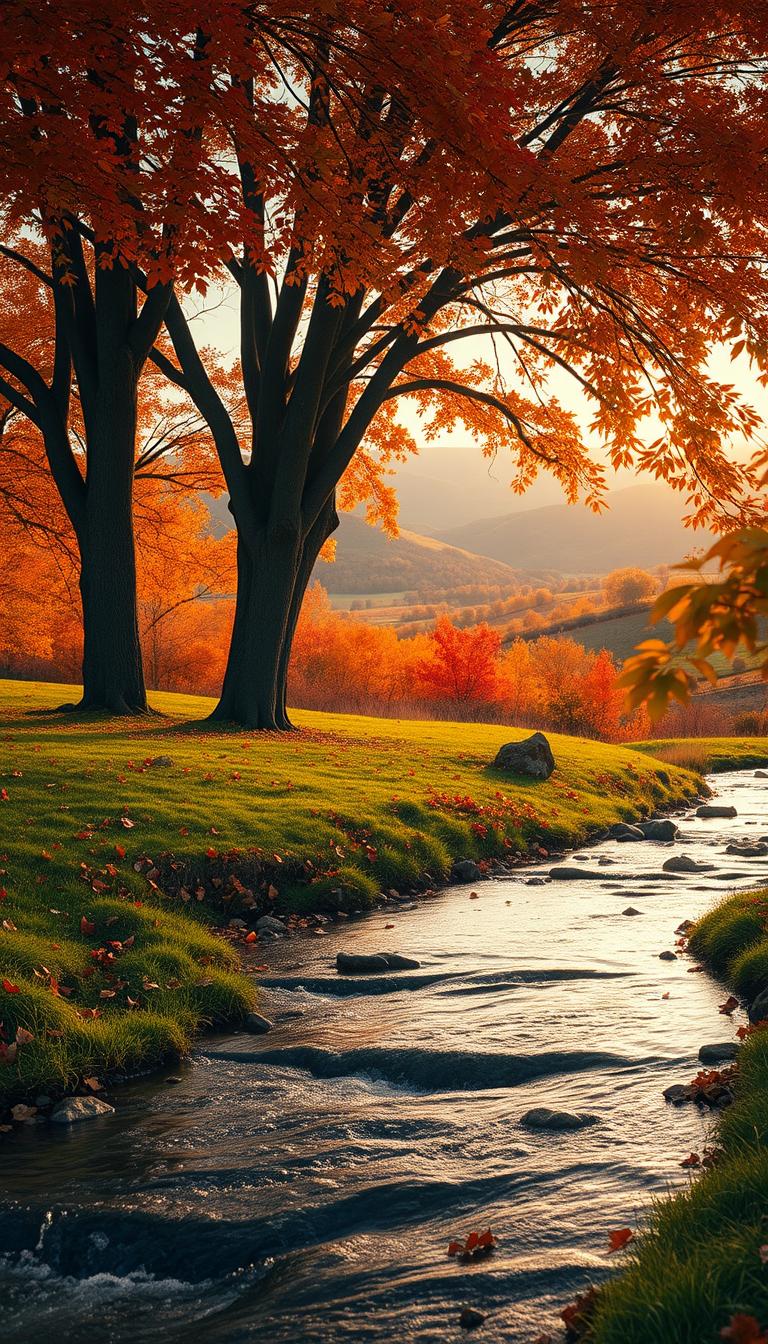
Nature cues matter. Branches framing a landscape or a path through woods help your gaze settle instead of skittering across icons. I favor negative space and compositions that translate across devices so nothing gets cropped or hidden.
Before I share picks, I test each photo in bright daylight and at night mode to confirm contrast and readability. Want curated sets and practical tips? Check my picks and filters at seasonal image collections.
Key Takeaways
- Small swaps pack impact: A new image can set a restorative mood instantly.
- Choose warm, slightly desaturated hues for calm.
- Use nature framing and negative space to improve legibility.
- Test across light and dark modes to ensure contrast.
- Pick images that work with your device’s aspect ratio.
Best Wallpaper for Fall: Curated Themes That Bring Warmth Home
A well-chosen scene can quietly shift a room’s mood without shouting—soft light and simple composition do the work.
Pumpkin Patch Charm
I favor a single pumpkin up front with a small lantern glowing behind it. That setup keeps the screen warm and readable while letting icons breathe.
Forest Trails and Maple Leaves
A winding path under a tree canopy steadies the eye. Pops of maple scarlet add guide marks without stealing focus.
Golden Hour Landscapes
Wide valley views at low sun give depth. Grab 4K HD sources when you want texture in distant fields and trees.
Rustic Porch Aesthetic
Plaid throws, weathered wood, stacked pumpkins—position a lantern off-center so time and widgets stay clear.
Misty Mornings and Leaf Close-Ups
Haze layers soften contrast; macro leaf shots show veins and dew while keeping a soft bokeh under icons.
Harvest Nights and Minimal Neutrals
Candlelight scenes create mood; muted taupe fields offer calm, distraction-free backgrounds that still read as seasonal.
- Tip: choose images that leave negative space near icons.
Device-Perfect Fall Backgrounds: Phone, iPhone, and Desktop Picks
I start with a single object in the lower half of a vertical image to keep time and icons crisp.
iPhone Lock Screens
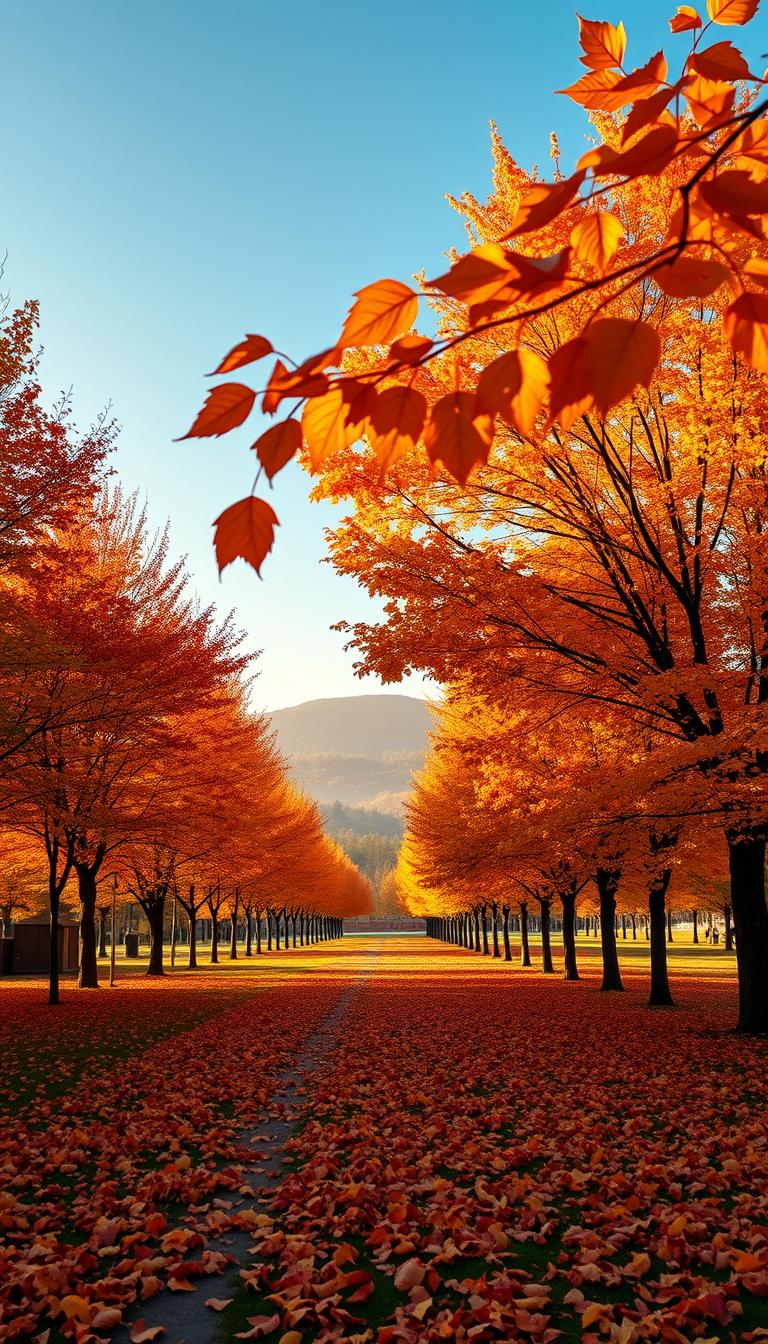
I pick vertical images with a strong focal point slightly below the clock. This keeps the time legible and the screen calm.
Avoid busy tops near the notch or Dynamic Island—soft sky or blurred canopy works best.
Android and Other Phones
Edge-to-edge compositions look great on most phones. Choose an image with balanced contrast so app labels stay readable in both modes.
Consider short 4K clips (00:05–00:20) for subtle motion—drifting mist or slow leaf fall adds life without heavy battery drain.
Desktop and Laptop Views
Wide landscape images give space for icons. I place the horizon lower to leave negative space on the left.
On ultrawide monitors, pick panoramic scenes with lateral interest so nothing stretches oddly.
- Home screens: use darker midtones behind icon grids.
- Always test: night mode and accessibility settings to reduce eye strain.
- share buttons and quick filters help sort by view counts and 4K sources when you browse.
| Device | Best Crop | Suggested Subject | Motion Option |
|---|---|---|---|
| iPhone | Vertical, subject below clock | Lantern, single leaf | Short 4K clip (00:05–00:20) |
| Android / Other phones | Edge-to-edge, centered contrast | Backlit leaves, shaded path | Still image or light loop |
| Desktop / Laptop | Wide landscape, low horizon | Rolling fields, tree lines | Panoramic stills preferred |
Where to Find and Download Fall Wallpapers: Images, Videos, and Collections
Start with a simple query and let filters do the heavy lifting: “fall scenes wallpaper” narrows to what other people already love.
I sort results by Sort by View to see what actually resonates. Example counts range from View (8,881) to View (98,825). That quickly flags clean compositions and reliable crops.
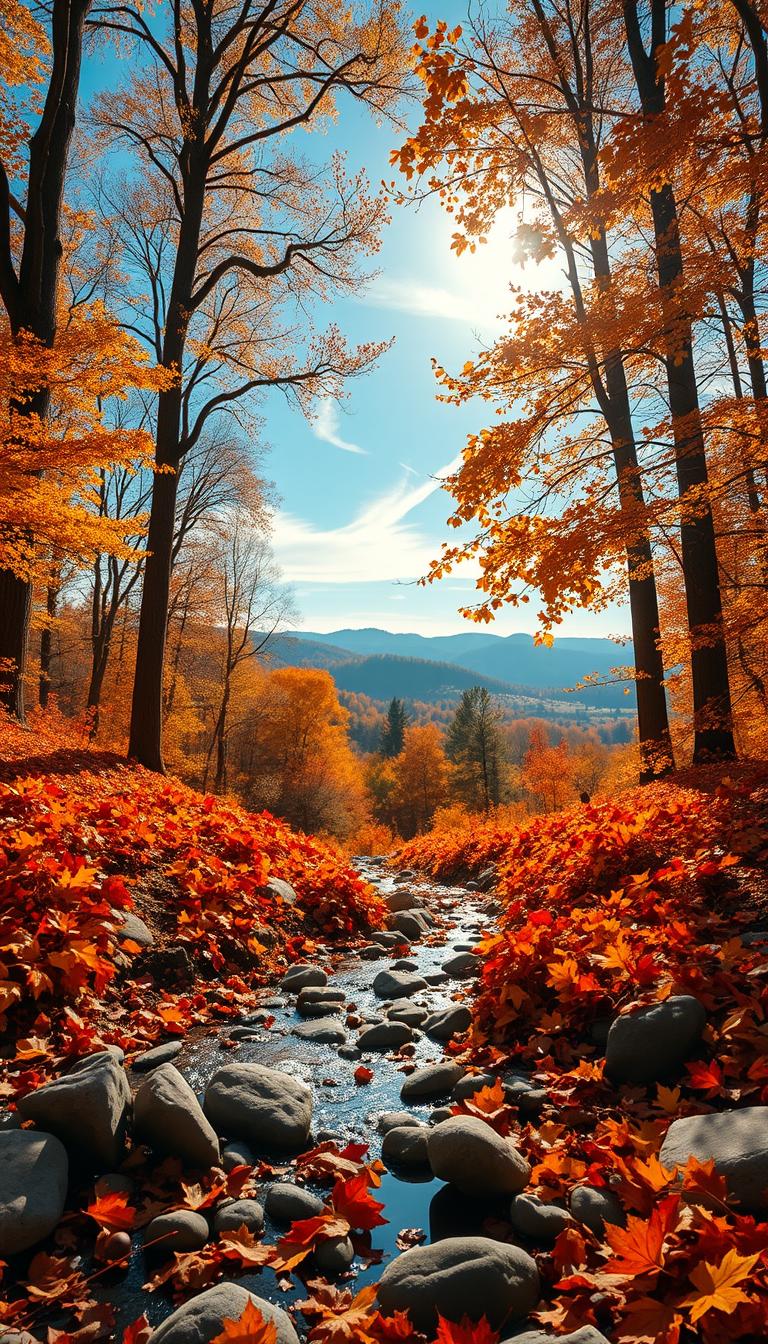
Tune the 4K HD filter when you want crisp detail on a wide landscape or a close-up of leaves and tree lines. If you like motion, choose short clips—00:05, 00:08, 00:10, 00:20—for subtle loops like mist over a forest or a flickering lantern.
- Try the “Try also” paths: fall scenes wallpaper and fall wallpaper in images, videos, templates, and Premium sets.
- Filter by region — North America, South America, Asia Pacific — to match local foliage and aesthetics.
- Sign up for weekly emails like “Get our best photos” to receive fresh photos and curated collections.
- Note: StockSnap password resets expire in 24 hours; check spam so you don’t lose time.
Save a small collection: dawn landscape for focused hours, a cozy porch aesthetic for evenings, and a neutral option for busy workdays. Always preview on-device to confirm the image doesn’t hide widgets or the clock.
| Search Tip | When to Use | Example | Why it Helps |
|---|---|---|---|
| Sort by View | Quick trend check | View (98825) | Shows high-performing compositions |
| Toggle 4K HD | Large displays or close detail | Landscape, tree lines | Keeps texture sharp on wide screens |
| Short 4K clips | Subtle motion on lock screens | 00:05–00:20 | Adds life without heavy battery drain |
Conclusion
I keep a tiny rotation of images that nudges my day. One close-up leaf or maple photo, a wide forest scene, and a porch shot with a glowing lantern cover mornings, work hours, and evenings.
Quick sourcing tip: use Sort by View to spot winners, then toggle 4K HD and regional filters (North America, South America, Asia Pacific). Save picks to an album so swaps take seconds.
On my phone and iPhone I place the focal point low so the time and widgets stay clear. Scan crops for tree branches or leaves that crowd icons and nudge the frame if needed.
Rotate weekly, dim the background at night, and enjoy the small ritual—those subtle scenes of pumpkins, trees, and nature really change the feel of a day.